 FM Digital Tools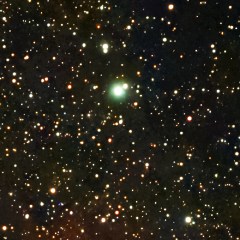

Green removal
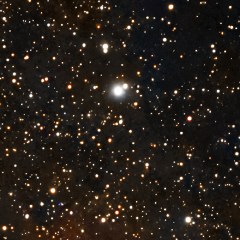
Removes the green cast that the sensor and the filters leave on astrophotographs, with the SCNR method (Subtractive Chromatic Noise Reduction).
Astronomical image processing, from the capture files to the finished image.
StarLight is a program for processing astronomical images, designed first and foremost for stacked captures and able to help improve single images as well. Every automatic choice remains adjustable and explained.
First public release: 1.0.0-beta.1 “Vega”
The program is new and not signed yet: the browser may report that the file is not commonly downloaded (from the arrow next to “Delete”, choose “Keep anyway”), and Windows may show the “Windows protected your PC” warning (choose “More info” and then “Run anyway”).
No prior knowledge of processing techniques is needed: StarLight explains what it does and why, and the craft is learned along the way. More experienced users still find every setting at hand.
On first launch a guided tour shows the parts of the program one at a time, right on the real controls. It can be replayed at any time.
More than 35 topics available from the Help menu, even offline: from importing files to exporting the finished image.
More than 190 astrophotography terms explained in plain words, with their meaning inside StarLight and links to related entries.
Next to every setting, a caption indicates what it does and when to use it. After Abracadabra, a summary lists the corrections made.
English and Italian included. All program texts are collected in separate language files, which allow StarLight to be fully translated into any language; a dedicated guide describes the procedure.
Included in StarLight: the OpenNGC catalog. The gallery offers 15 downloadable catalogs of nebulae, galaxies and clusters, plus 2.75 million stars to recognize the field offline.
When internet is allowed, StarLight queries ESA’s Gaia DR3 catalog to calibrate color on real stars and to recognize the field where local stars are not enough.
Open source under the GPL, no account, no statistics, no advertising. Bundled catalogs and data come only with declared open licenses.
The work follows a clear order, from loading the files to exporting the result. Every step can be revisited and adjusted at any time.
Single files or whole folders: sky shots, calibration frames and stacked files recognized automatically.
Dark, flat and bias masters, separated automatically by exposure, gain, temperature, filter and night.
Star alignment, rejection of blurred frames, removal of satellite trails and cosmic rays.
Sky background, color, deconvolution, noise reduction, narrowband, star reduction.
Histogram stretching, curves, tones and color, local adjustments with masks.
Photographic filters for color rendering, sharpening, noise and vignetting.
Nebulae, galaxies and clusters in the field recognized and labeled on the image.
The right format and size for archiving, printing or sharing.
The tools of a complete workshop, with plain-language explanations next to every setting.
One button measures the image, adjusts the processing and correction tools and summarizes the changes made. Every value remains editable, and Reset returns the image to the original.
The exact patch of sky in the frame, computed from the stars in the photo, even offline.
The stack updates while the capture is still running.
Neighboring fields joined into a wider one, with matched background and brightness.
More detail from the small shifts between one shot and the next.
Series with different exposures combined to keep both faint and bright parts.
Stacking with the stars fixed, the comet fixed, or both.
A gallery of additional tools and downloadable object catalogs.
Object, capture data and author's name drawn on the exported image.
The same recipe applied to several images at once.
Additional tools included in StarLight, free and open source. Hover over an image, or tap it, to see the result.
Removes the green cast that the sensor and the filters leave on astrophotographs, with the SCNR method (Subtractive Chromatic Noise Reduction).
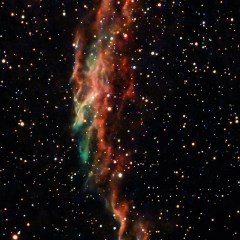
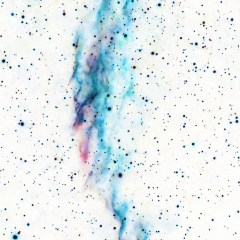

Inverts the brightness of the image.
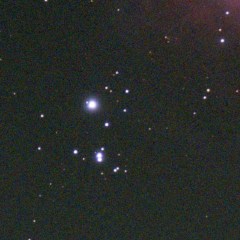
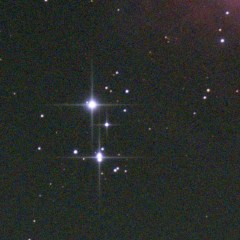

Adds to the brightest stars the radiating spikes of light produced, in reflecting telescopes, by the supports of the secondary mirror.
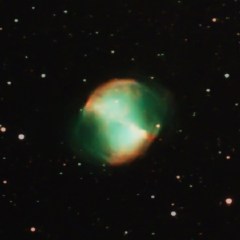
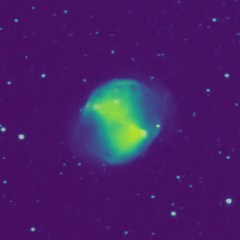

Colors the image according to brightness with a perceptually uniform scientific palette.
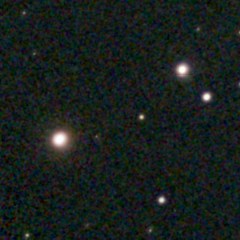
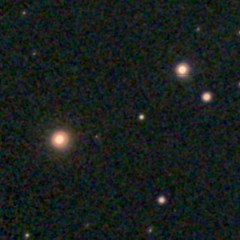

Restores the color of stars that the stretch has turned white.
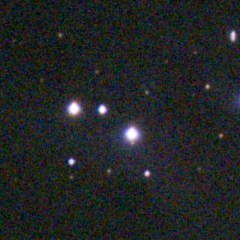
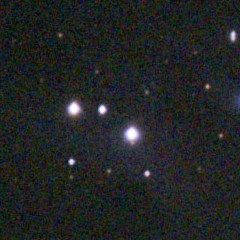

Removes the purple or blue halo that surrounds stars in images taken with two-lens refractors and camera lenses, caused by chromatic aberration.
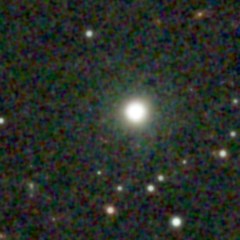
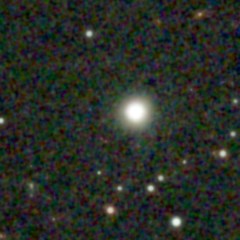

Reduces the broad, faint halo that surrounds the brightest stars, caused by haze, reflections between lenses and filters or scattering in the optics.
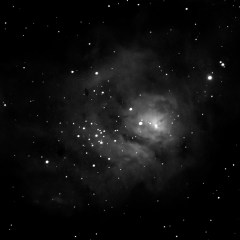
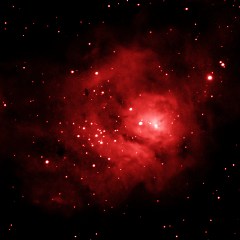

Gives a tint to a black and white shot, for example one taken with a narrowband filter, and preserves its brightness, so every pixel looks as light or dark as before.
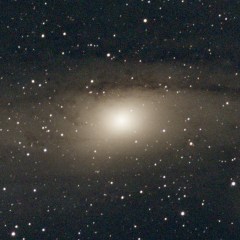
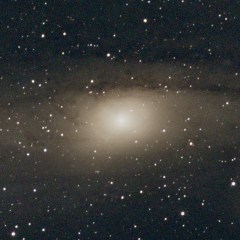

Compresses the dynamic range in the bright areas only and restores their detail, without darkening the faint parts.
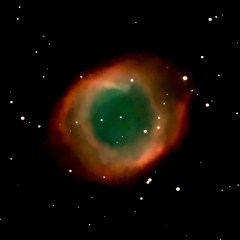
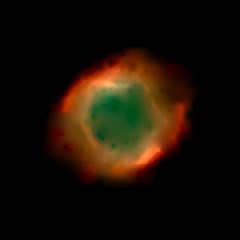

Splits the image into two layers, the starless nebula and the stars alone, adjusts them separately and recombines them.
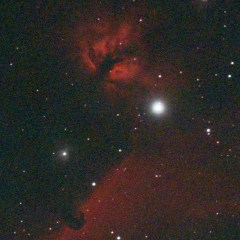
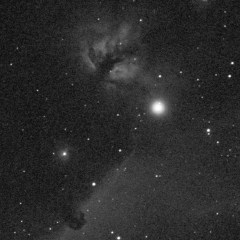

Converts the image to black and white with an adjustable weight for each color channel, with a result similar to that of the colored filters used with film.
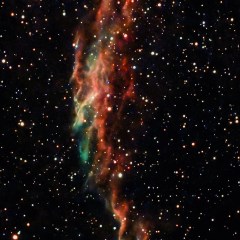
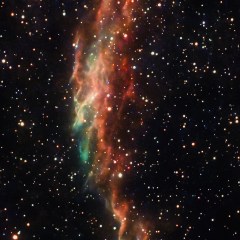

Adds a diffuse glow around the bright areas by blending the image with a brightened, blurred copy of itself.
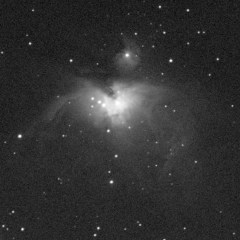
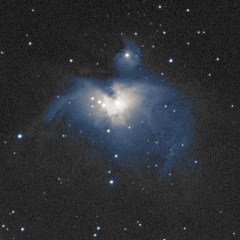

Gives one tint to the dark parts and another to the light parts, a classic technique of photographic printing.
More plugins will arrive in the program's gallery, ready to download with one click.
Export to FITS, TIFF, PNG, BMP, JPEG and WebP.
FM Digital Tools develops free digital tools for people who photograph and create.
New tools to download from the program's gallery, such as local brush retouching.
New presets and add-ons are in development to expand what StarLight can do: ready-made styles applied with one click and additional tools to download from the gallery.
Other applications are in the works and will be presented on this page.
Anyone who wishes to support development can contribute on Ko-fi.